


Collection:
Equipment support

Protection cover for the GPSMAP® 9x3 series
Ref : 010-12989-01
Choose your option

Protection cover for the GPSMAP® 7x3 series
Ref : 010-12989-00
Choose your option
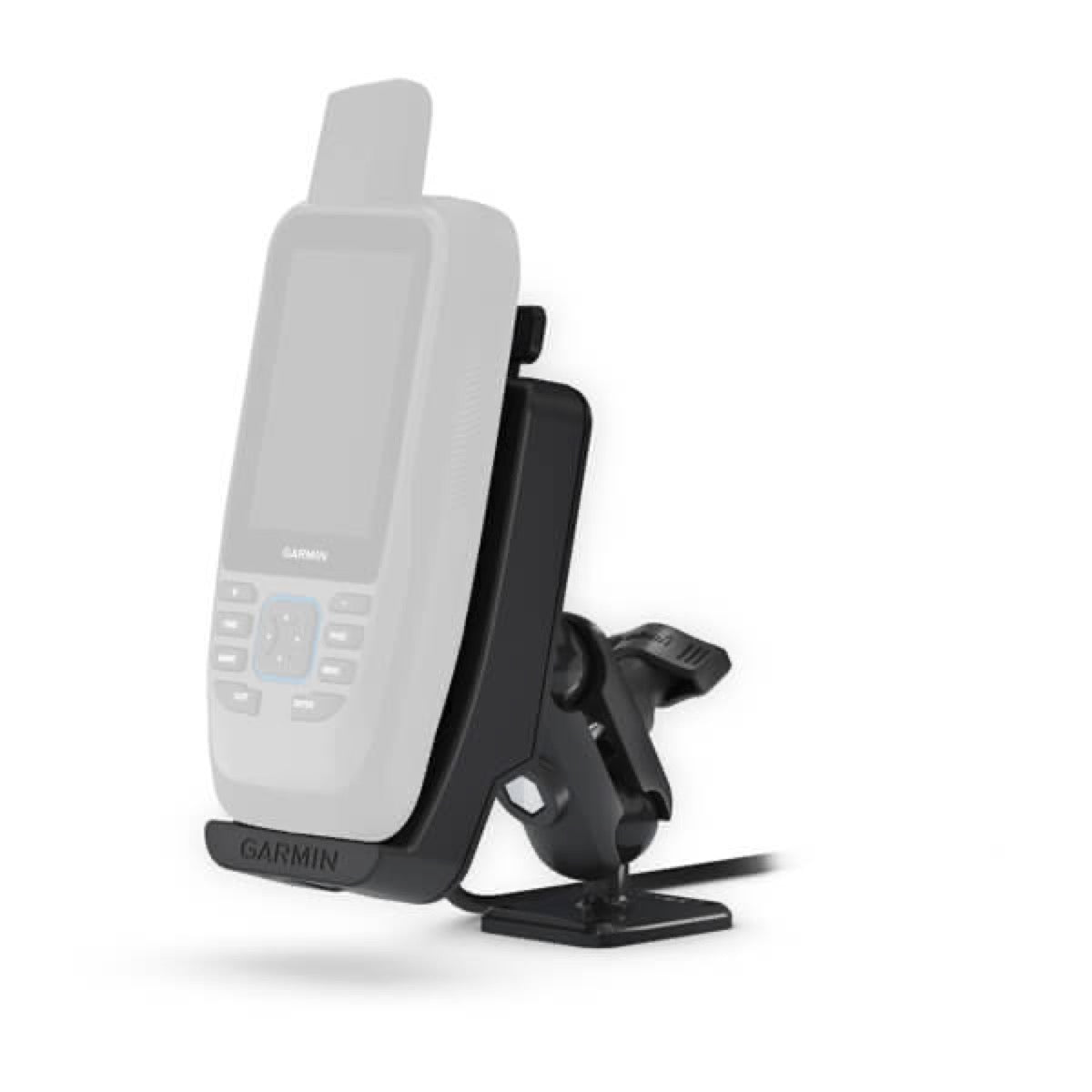
Powered mount (GPSMAP® 86)
Ref : 010-12946-00
Choose your option
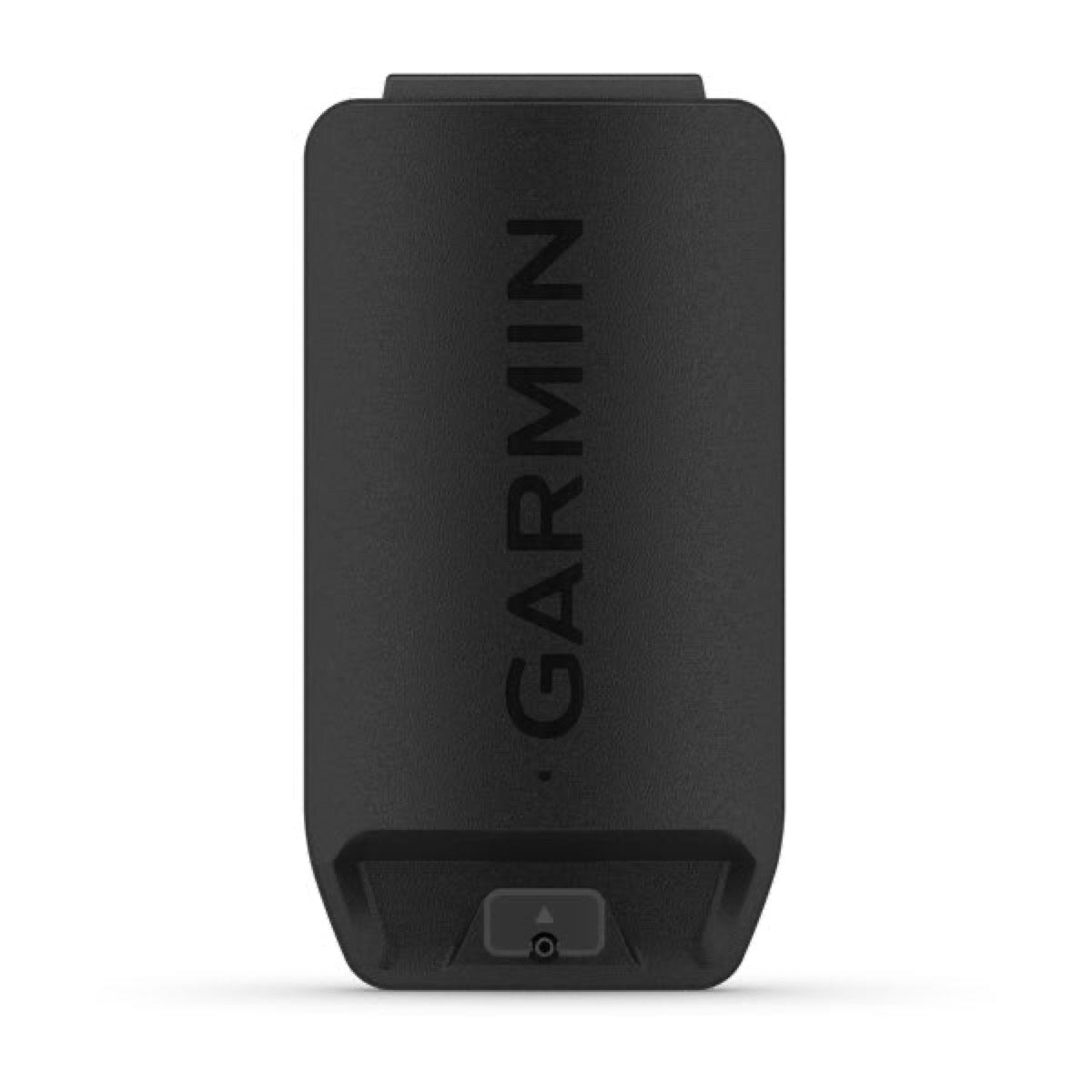
High-capacity lithium-ion battery
Ref : 010-12881-11
Choose your option

Barrel mount for electric motor
Ref : 010-12846-00
Choose your option

12-inch flush-mount kit for ECHOMAP Ultra 2
Ref : 010-12842-03
Choose your option

Remote control mount
Ref : 010-12833-15
Choose your option

Stabilization kit for deck mounting
Ref : 010-12832-55
Choose your option


Replacement transducer kit for Garmin Force® Kraken, protective cone not included
Ref : 010-12832-26
Choose your option

Depth sounder replacement kits for Garmin Force® electric motor; protection cone not included
Ref : 010-12832-25
Choose your option

Flush-mount kit
Ref : 010-12801-02
Choose your option

Flush-mount kit
Ref : 010-12801-01
Choose your option

Flush-mount kit
Ref : 010-12801-00
Choose your option

Snap-on trim piece cover for GPSMAP / ECHOMAP 12-16 inch displays
Ref : 010-12800-02
Choose your option

Snap trim cover for GPSMAP 8410/8412/8610/8612
Ref : 010-12800-01
Choose your option

Snap-on trim piece for GPSMAP 8410/8610
Ref : 010-12800-00
Choose your option

Protection cover for GPSMAP 8416/8616 16-inch chartplotters
Ref : 010-12799-02
Choose your option

Protection cover for GPSMAP 8412/8612 12-inch
Ref : 010-12799-01
Choose your option

Protective cover for GPSMAP 8410/8610 10-inch chartplotters
Ref : 010-12799-00
Choose your option


Fast-release mounting bracket with base (12-pin) (ECHOMAP™ Plus 9Xsv)
Ref : 010-12673-03
Choose your option

Flush-mount kit (ECHOMAP™ Plus 9Xsv)
Ref : 010-12673-01
Choose your option


Swivel/tilt mount with quick-release base (ECHOMAP™ Plus 7Xcv)
Ref : 010-12672-03
Choose your option

Flush-mount kit (ECHOMAP™ Plus 7Xcv/7Xsv)
Ref : 010-12672-01
Choose your option

Flush-mount kit (ECHOMAP™ Plus 6Xcv)
Ref : 010-12671-01
Choose your option

Protection cover (ECHOMAP™ Plus 4Xcv)
Ref : 010-12670-00
Choose your option

Replacement cap for Panoptix™ PS51
Ref : 010-12565-02
Choose your option

2-inch through-hull fitting for Panoptix™ PS51-TH transducer
Ref : 010-12565-01
Choose your option

Fairing (Panoptix™ PS51)
Ref : 010-12565-00
Choose your option

Protection cover (GPSMAP® 12x2 series)
Ref : 010-12547-03
Choose your option

Protection cover (GPSMAP® 10x2 series)
Ref : 010-12547-02
Choose your option

Flush-mount kit (GPSMAP® 12x2 series)
Ref : 010-12546-03
Choose your option

Flush-mount kit (GPSMAP® 10x2 series)
Ref : 010-12546-02
Choose your option

Mounting bracket (VHF 210/210i)
Ref : 010-12505-01
Choose your option

Protection cover (VHF 110/110i)
Ref : 010-12504-02
Choose your option

Mounting bracket for VHF 110/110i
Ref : 010-12504-01
Choose your option
Learn more
Equipment mounting: installing marine electronics properly
A mounting bracket is not just for holding a display or antenna in place. It determines the readability, mechanical strength, waterproofing, sun protection, and ease of maintenance of an onboard electronic installation. In navigation, a poorly positioned display, an approximate transducer mount, or a missing cover can quickly make an otherwise reliable piece of equipment less readable, less reliable, or more exposed.
This collection includes brackets, clamps, mounting kits, covers, gaskets, pedestals, extension arms, and mounting accessories for marine electronics. It primarily covers Raymarine installations, but also includes some Lowrance and Navico accessories for transducers or sensors. These parts complement navigation displays, screens, instruments, radars, and installation accessories from the Tooling & Accessories collection.
Main categories
- Mast mounts: for securing an instrument, performance display, or radar on the mast, with an orientation suited for reading from the cockpit.
- Screen clamps: for installing a chartplotter or display on a console, bulkhead, tiller pedestal, or navigation station without built-in mounting.
- Flush-mount and rear-mount kits: for integrating a screen into a dashboard or console with a clean finish and secure mounting.
- Sunshades and covers: to protect screens from UV rays, minor impacts, and spray when the boat is at the dock or underway.
- Transducer mounts and fairing blocks: for correctly positioning a transducer, minimizing turbulence, and preserving signal quality.
- Pedestals, elbows, and extension arms: for adjusting the height, angle, or distance of an accessory mounted on a tube.
Mast mounts and performance instruments
Mast mounts must remain rigid, readable, and compatible with the mast diameter or profile. For Raymarine Alpha instruments, the Alpha 7-inch portrait mast mount A80713 allows vertical installation of a performance display and can be integrated into a multi-display array. For more compact setups, the Master/MN100 mast clamp with groove mounting and the Micro Compass with mast clamp suit regatta and light cruising use.
For radar antennas, the 18-inch radome mast mount and 24-inch radome mast mount provide dedicated mounting for antennas in the Radar family. Selection depends on radome diameter, available height, cable routing, and maintenance accessibility.
Axiom, Element, and Axiom XL displays
- Axiom 7 metal clamp kit, Axiom 9, and Axiom 12: useful when the display must remain adjustable or when the console does not allow flush mounting.
- Element 7 clamp kit, Element 9, and Element 12: clamps designed for Element displays, with the correct mounting footprint.
- Axiom XL 16 rear-mount kit and Axiom XL 24: integration solutions for large displays, where panel rigidity and rear access must be planned.
Transducers, sensors, and protective accessories
Transducers and sensors require precise mounting. The ActiveTarget 2 Lowrance motor shaft transducer mount positions the transducer on an electric motor, while the StructureScan 3D Navico fairing block helps achieve a cleaner hull installation. In both cases, angle, turbulence, and mechanical protection are as important as product compatibility.
Covers and sunshades protect equipment when not in use. A Element 7 sunshade, an Axiom 9 sunshade, or a VHF handset mount are small accessories, but they prevent premature wear, careless handling, and improvised mounting.
How to choose the right mount
- Exact compatibility: verify the model range, screen size, portrait/landscape orientation, and manufacturer reference.
- Mounting location: mast, console, bulkhead, tiller pedestal, tube, dashboard, or flush mount each impose different mechanical constraints.
- Readability: the equipment must remain visible from the intended station, without excessive glare or an overly restricted viewing angle.
- Cable routing: plan for bend radii, waterproofing, and access for unplugging or replacing the device.
- Maintenance: a clean installation should allow removal of the equipment without damaging the dashboard or cutting a harness.
Common mistakes
- Choosing a mount that looks similar but is intended for a different screen size or generation.
- Installing a display that is readable at the dock but unreadable while underway due to angle or sun glare.
- Omitting the sunshade or cover on a screen exposed to UV and spray.
- Drilling before verifying the template, rear access, and cable routing.
- Mounting a transducer without checking water flow, turbulence, and constraints from towing or launching.
Skysat advice
For an equipment mount, the correct part number is often as important as the device itself. We recommend starting from the exact reference of the screen, antenna, or transducer, then validating the actual onboard location before ordering. A clean installation begins with a compatible, accessible, readable, and boat-load-rated mount.


