


Collection:
Network wiring


NMEA 2000 Cables and Connectors - 4-Port Micro/Medium Connection Box
Ref : CM-CF-4
Choose your option

M12-05BFFM-010 NMEA2000 cable with angled Micro5C 5-pin female connector F <> bare wires - 6m
Ref : 00110581010
Choose your option


SeaTalk NG 5-way connector
Ref : A06064
Choose your option


Raymarine RayNet to RayNet 400mm cable
Ref : A80161
Choose your option


SeaTalk cable 20m
Ref : D288
Choose your option

RO-NGX-1-USB - Bidirectional NMEA 2000 to USB Interface
Ref : RO-NGX-1-USB
Choose your option

Ethernet cable 6PF <-> RJ45 2 pairs - 5m
Ref : 00158882000
Choose your option

00020133610 — 5m jumper cable for connecting multiple HUB102 hubs
Ref : FE-HUB-102-JMP
Choose your option

Male Termination (Micro5)
Ref : 00150707000
Choose your option

00164700000 — 5m LAN Cable - WATERPROOF - non WATERPROOF
Ref : 00164698000
Choose your option


IF-NMEAFI Junction Box - Analog-to-NMEA2000 Converter
Ref : 00002704700
Choose your option

00016463710 — P5E-4PTX-BL L=10M Network cable 10m RJ45/RJ45 (FA40/FA70)
Ref : 00159264000
Choose your option

P5E-4PTX-BL L=2M Network Cable 2m RJ45/RJ45 (FA40/FA70)
Ref : 00016463410
Choose your option

MOD-Z072-100+ RJ45 <-> RJ45 network cable 4 pairs - 10m
Ref : 00116790010
Choose your option

MOD-Z072-020+ Ethernet cable RJ45 <-> RJ45 4 pairs - 2m
Ref : 00116788010
Choose your option

00020133610 — WATERPROOF RJ45 to RJ45 Ethernet Cable
Ref : FE-WRJ-ADP-05M
Choose your option

TL-CAT-012 RJ45 network cable extension connector (TL-CAT-012) for Ethernet network cables
Ref : 00016714010
Choose your option

00164702000 — 10m LAN Cable - WATERPROOF - non-WATERPROOF
Ref : 00164700000
Choose your option


FRU-2P5S-FF-20M-A - 20 m Radar Ethernet and Power Cable
Ref : 00151264000
Choose your option
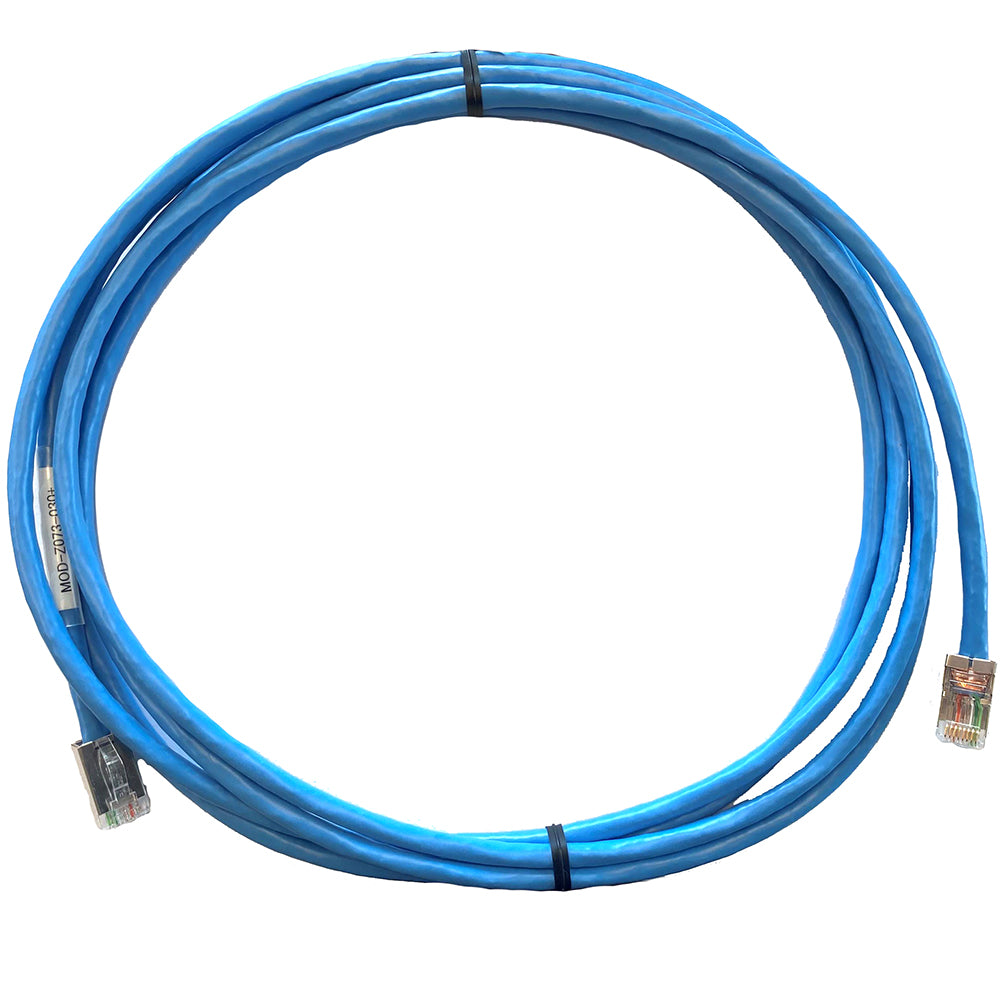
RJ45 network cable <-> RJ45 2-pair (PC/HUB POE connection) - 3m
Ref : 00158889000
Choose your option

Junction box for mast foot for FI5001
Ref : 00001091300
Choose your option


PoE Injector 12-24V DC 5Gb
Ref : A80811
Choose your option


NMEA 2000 micro-C starter backbone kit
Ref : 000-10760-001
Choose your option

Auxicom
Black/blue ethernet cable 4Px26/7AWG
Ref : 16474621
Choose your option


3-meter RJ12 cable
Ref : 6502000030
Choose your option


1 meter RJ12 cable
Ref : 6502000010
Choose your option


MasterBus cable 100 m
Ref : 77045000
Choose your option


MasterBus cable 25 m
Ref : 77042500
Choose your option


MasterBus cable 15 m
Ref : 77041500
Choose your option


MasterBus cable 10 m
Ref : 77041000
Choose your option


MasterBus cable 6 m
Ref : 77040600
Choose your option


MasterBus cable 3 m
Ref : 77040300
Choose your option


MasterBus cable 1 m
Ref : 77040100
Choose your option


MasterBus cable 0.5 m
Ref : 77040050
Choose your option


MasterBus cable 0.2 m
Ref : 77040020
Choose your option


MasterBus RJ45 Terminator
Ref : 77040000
Choose your option
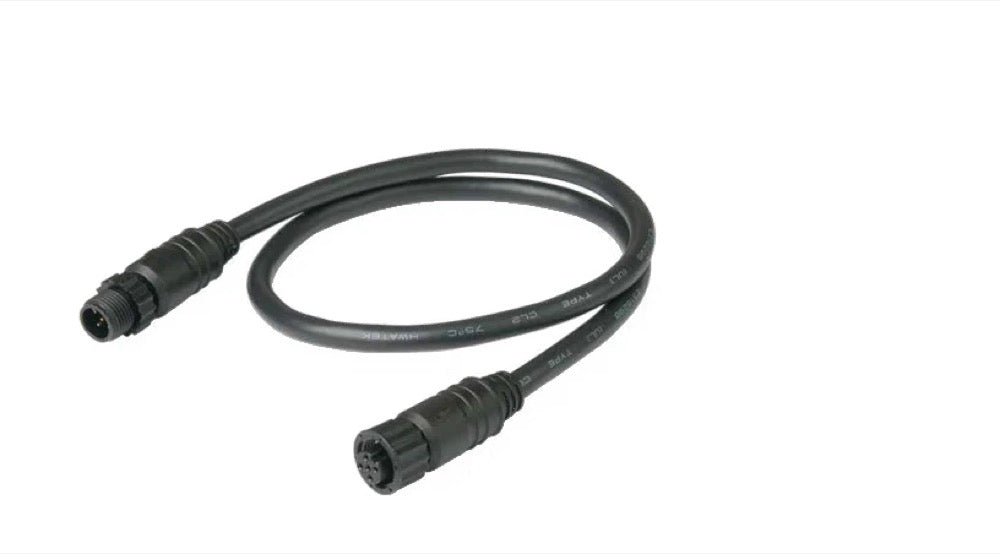
NMEA 2000 3m T-Connector Cable
Ref : 80-911-0211-00
Choose your option

NMEA 2000 2 m T-connector cable
Ref : 80-911-0118-00
Choose your option

NMEA 2000 T-Connector Cable 1 m
Ref : 80-911-0117-00
Choose your option
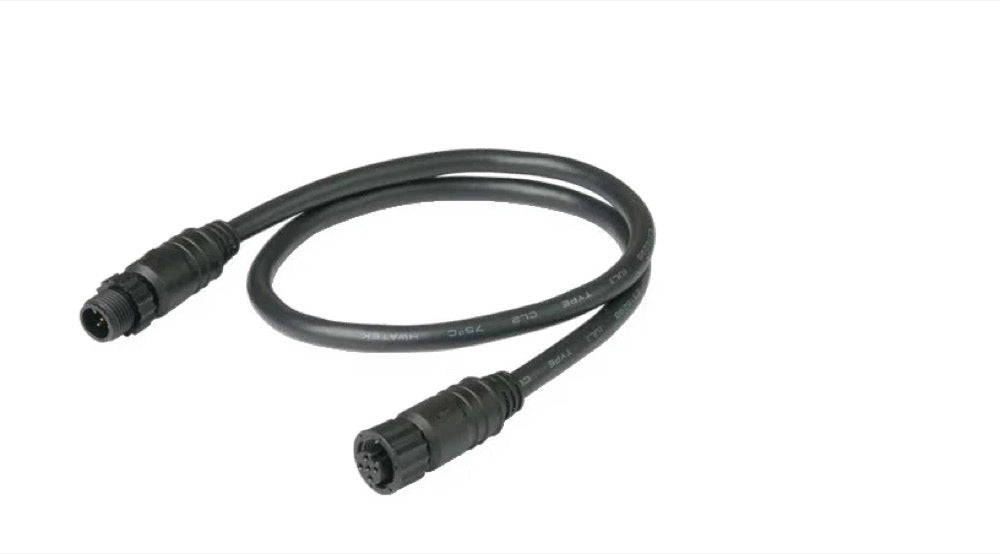
NMEA 2000 0.5m T-Connector Cable
Ref : 80-911-0116-00
Choose your option

SCI 5m cable for adapting to RJ45 push buttons
Ref : 80-911-0088-01
Choose your option

SCI 2m cable for adapting to RJ45 push buttons
Ref : 80-911-0087-01
Choose your option
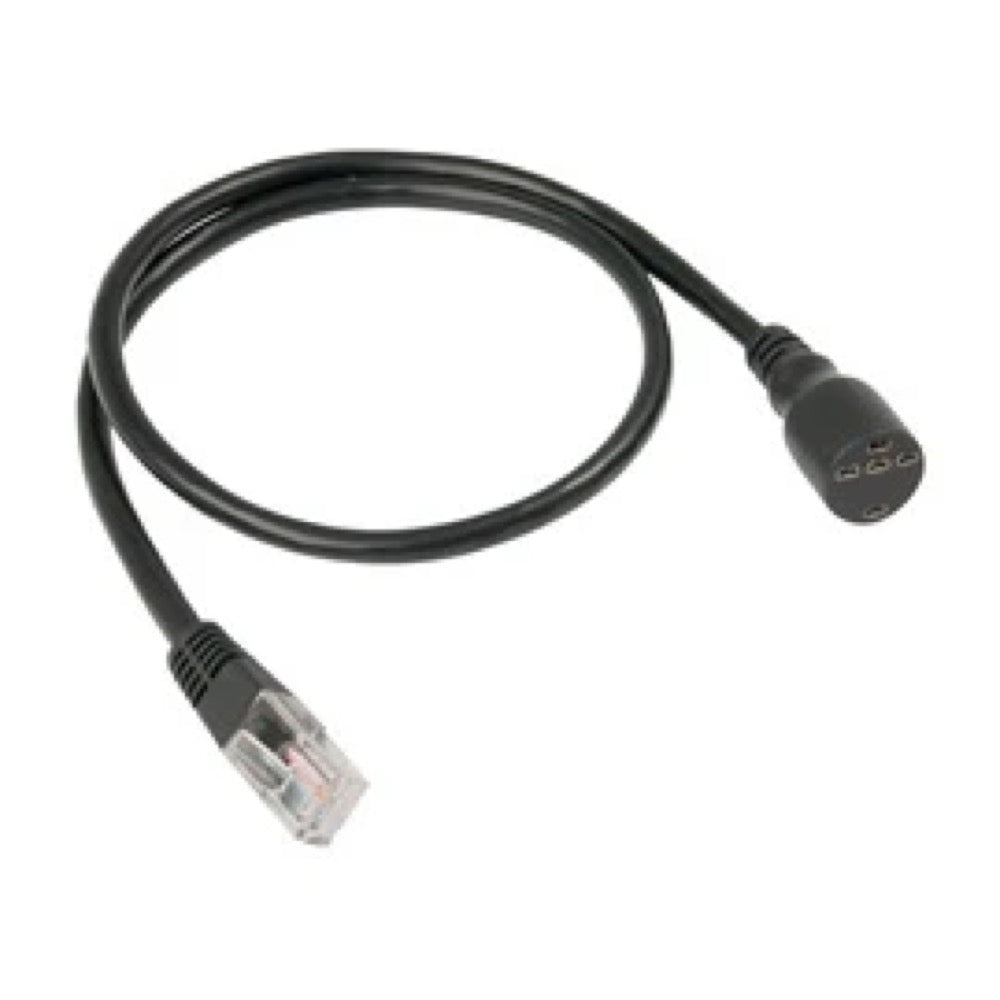
SCI cable 1m to adapt to RJ45 push buttons
Ref : 80-911-0086-01
Choose your option

4-way T-connector for NMEA 2000 network
Ref : 80-911-0048-00
Choose your option

2-way T-connector for NMEA 2000 network
Ref : 80-911-0047-00
Choose your option

NMEA 2000 network T-connector
Ref : 80-911-0029-00
Choose your option

NMEA 2000 power cable with T - 1 m
Ref : 80-911-0028-00
Choose your option

NMEA 2000 backbone cable 2 m (6.5 ft)
Ref : 80-911-0027-00
Choose your option

NMEA 2000 network extension cable 0.5 m (1.6 ft)
Ref : 80-911-0026-00
Choose your option

NMEA 2000 backbone cable, 10m
Ref : 80-911-0025-00
Choose your option
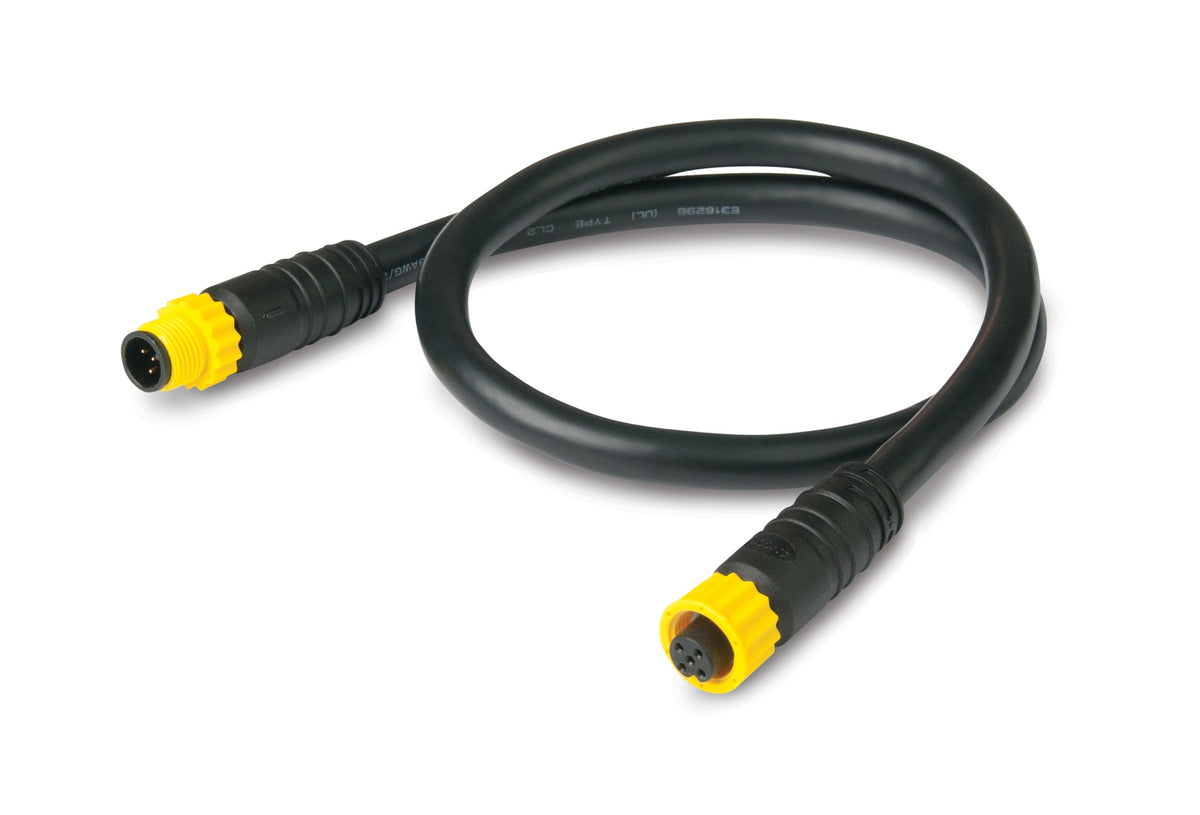
NMEA 2000 backbone cable 5m
Ref : 80-911-0024-00
Choose your option


Mastervolt-CZone interconnecting cable 1 m
Ref : 77060100
Choose your option
Learn more
Network cabling: the backbone of your embedded electronics
A reliable computer network is essential on board to interconnect your navigation instruments, multifunction displays, sensors, and other peripherals. At Skysat, drawing on our experience in offshore racing, we know that a robust network installation means performance and security. Discover our selection of cables, connectors, and accessories here to build a high-performance and long-lasting NMEA 2000, SeaTalk NG, or Ethernet network.
choose the right type of cable
Choosing the right cable is crucial to ensure optimal data transfer and resistance to harsh marine conditions. Different types of cables are available, each suited to a specific use. A proper selection will ensure the longevity of your installation.
- NMEA 2000 cable (backbone and drop): For the creation of an NMEA 2000 network, the backbone cable provides the main communication while the drop cables connect the different devices to the backbone.
- Ethernet cable (Cat 5e, Cat 6): Essential for high-speed connections between multifunction displays, radars, and onboard computers. Choose shielded cables for better immunity to interference.
- SeaTalk NG cable: Used to interconnect Raymarine SeaTalk NG compatible instruments.
- Power cable: Make sure to use power cables with a cross-section suitable for the power consumption of the devices connected to the network.
Connectors and terminations: the importance of detail
High-quality connectors and neat terminations are essential to ensure a reliable and secure connection. Even the slightest defect can lead to data loss or network malfunctions. Using appropriate tools is strongly recommended.
- NMEA 2000 connectors (T, male, female): Allow you to connect devices to the NMEA 2000 network. Make sure to use high-quality, waterproof connectors.
- Weatherproof RJ45 connectors: For Ethernet connections exposed to the elements, opt for weatherproof RJ45 connectors.
- NMEA 2000 Terminations: Essential to ensure signal integrity on the NMEA 2000 network. A termination must be placed at each end of the backbone.
- Crimping tools: A suitable crimping tool is essential for making clean and durable connections.
accessories and cable protection
For a clean and durable installation, consider cable protection and management accessories. They protect cables from friction, UV rays, and moisture, and facilitate network maintenance.
- Heat shrink tubing: Protects connections from water ingress and corrosion.
- Cable ties and cable fasteners: Allow cables to be fixed in an orderly and secure manner.
- Waterproof junction boxes: Protect connections from the elements and facilitate maintenance.
- Waterproof cable grommets: Ensure a perfect seal when passing cables through partitions.
💡 Skysat's advice
Before starting your installation, create a detailed diagram of your network, indicating the location of each device and the type of cable required. Test each connection before finalizing the installation to avoid any unpleasant surprises at sea.


